
this machine
From zero to running.
Kolu is packaged with Nix. Install Nix with flakes enabled, then run one
command. The same command runs kolu and updates it: --refresh busts Nix’s
flake cache so you pull the current commit.
-
Install Nix if you do not already have it.
Use a Nix installer that enables flakes, such as the NixOS Asia guide.
-
Run kolu. It serves the app on
127.0.0.1:7681.nix --refresh run github:juspay/kolu -- web -
Open the local URL.
http://127.0.0.1:7681
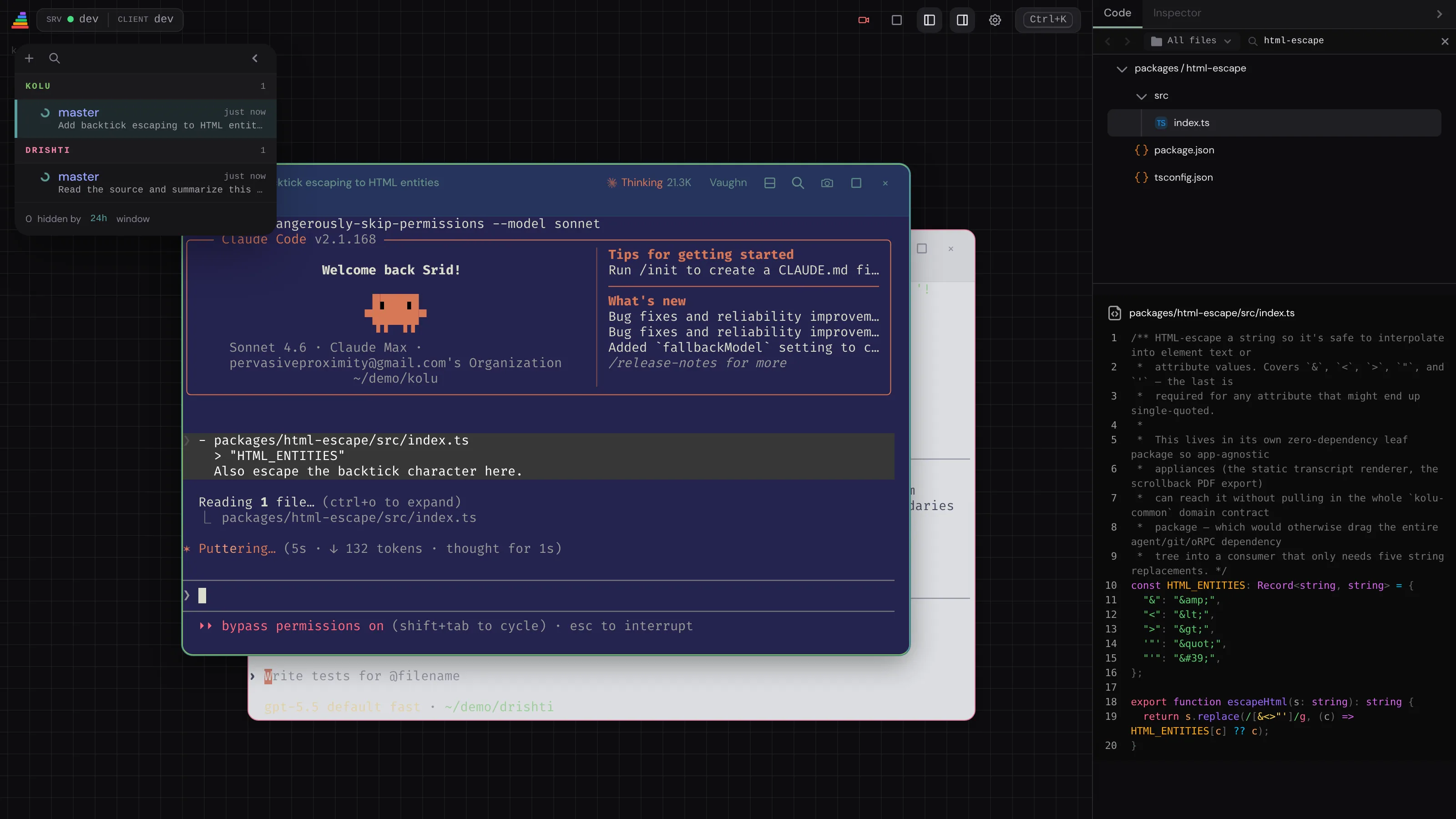
The empty canvas is the welcome state — a short list of next moments (pin the app, reach it over HTTPS, run an agent). It goes away when you create the first terminal and returns whenever there are none.
First run compiling? Enable the binary cache
If the first run starts compiling instead of downloading, enable the
binary cache. To
listen on a different address, see
Deployment. The command that starts
the app is kolu web; a bare kolu lists subcommands — Terminal
UI for the shell, MCP for a coding agent.