
Eyes for the Agent
If you’ve ever wanted your coding agent to actually see your app running — take a screenshot, dump the DOM, read the network panel, snapshot the JS heap — Google ships an MCP server that does exactly that: chrome-devtools-mcp. It speaks the Model Context Protocol, so any agent that speaks it can plug in.
Wiring it into a project used to be a chore. You needed a Chrome binary, a launcher script, and a separate config block for each runtime — one for Claude Code, another for Codex, another for OpenCode. This guide skips all of that by leaning on two tools you may not be using together yet: Nix and APM.
One-sentence pitches: Nix gives you reproducible binaries — Chrome, Node, anything — with no manual installers. APM is a package manager for AI-agent context: like
npm, except the things you install are skills and MCP servers instead of libraries.
Setup
Three steps, about five minutes — and you never download a Chrome binary or write a per-agent config block.
Step 1 — Install Nix
Follow nixos.asia/en/install. The installer takes a minute on macOS or Linux. Verify:
nix --versionIf you used the nixos.asia path, flakes are already enabled. If you installed Nix some other way, add this to ~/.config/nix/nix.conf:
experimental-features = nix-command flakesStep 2 — Drop one dep into apm.yml
APM is a Python tool, but you don’t have to install it. Nix can pull uvx on demand, and uvx in turn fetches APM from its Python package on first run:
nix shell nixpkgs#uv -c uvx --from apm-cli apm --versionIn your project root, create apm.yml:
name: my-project
version: 0.1.0
targets:
  - claude     # for Claude Code
  - codex      # for OpenAI Codex CLI
  - opencode   # for OpenCode CLI

dependencies:
  apm:
    - juspay/nix-chrome-devtools-mcp
Keep only the targets you actually use. Then install:
nix shell nixpkgs#uv -c uvx --from apm-cli apm install --target claude,codex,opencodeAPM clones juspay/nix-chrome-devtools-mcp, drops its launcher into .agents/skills/nix-chrome-devtools-mcp/bin/serve, and writes a per-runtime MCP config for each target — .mcp.json for Claude Code, .codex/config.toml for Codex, opencode.json for OpenCode.
Step 3 — Verify
Open .mcp.json (or your runtime’s equivalent). You should see a chrome-devtools server entry:
{
  "mcpServers": {
    "chrome-devtools": {
      "command": ".agents/skills/nix-chrome-devtools-mcp/bin/serve",
      "args": [],
      "type": "stdio"
    }
  }
}
Launch your agent and ask:
Open https://kolu.dev in a fresh page and tell me what’s in the H1.
Under the hood the agent calls mcp__chrome-devtools__new_page, then mcp__chrome-devtools__take_snapshot, and reads the DOM tree. A partial list of what you now have:
new_page,navigate_page,close_page— page lifecycletake_snapshot,take_screenshot— DOM + image captureevaluate_script— run arbitrary JS, get the result backlist_console_messages,list_network_requests— observability panestake_memory_snapshot,performance_start_trace— perf + heap
What we actually use it for
Two things, mostly.
The first is iteration. The agent opens the page it just changed, takes a snapshot or a screenshot, and checks whether the output matches what it meant to do — before it moves on. It pulls console errors with list_console_messages, runs assertions through evaluate_script, watches the network with list_network_requests. The same panels a human would open, the agent opens on its own work. The loop closes inside the agent’s own turn — which is the whole point. An agent that can’t see what it built is working blind.
The second is PR evidence. Our /do workflow (from srid/agency) ends with an evidence step: spin up a dev server on a free port, point chrome-devtools-mcp at the routes that changed, run take_screenshot, upload to a long-lived evidence-assets GitHub release, and drop the URLs into the PR comment. The reviewer sees exactly what changed without checking out the branch.
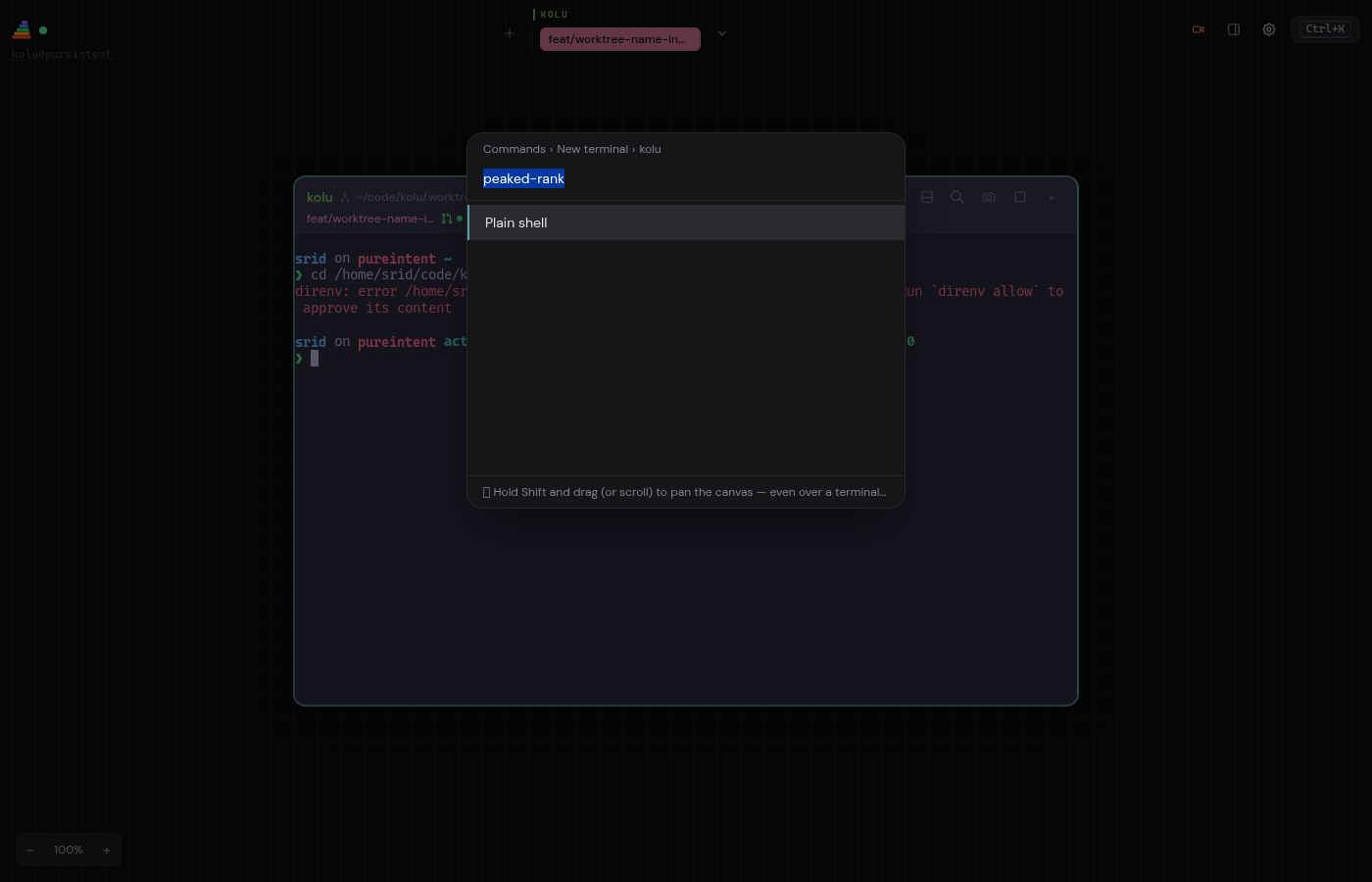
Here’s what one of those evidence comments looks like, lifted from Kolu #835:
(See also #866 for a cross-palette icon check, and #867 for a three-step diagnostic table comparing master against the fix.)
Overrides (optional)
The launcher honors two env vars, set before you launch the agent:
| Var | Default | Effect |
|---|---|---|
NIXPKGS_FLAKE |
nixpkgs |
which nixpkgs to pull Chrome + Node from. Override to bump the Chrome milestone — e.g. NIXPKGS_FLAKE=github:NixOS/nixpkgs/nixpkgs-unstable. |
CHROME_DEVTOOLS_MCP_VERSION |
latest |
npm version of the MCP server itself. Pin to 0.26.0 (or any release) when you need reproducibility. |
What’s actually happening
bin/serve is twenty lines of bash. It runs nix build nixpkgs#playwright-driver.browsers to materialise Chrome-for-Testing — the same Chrome binary the Playwright project bundles — then nix shell nixpkgs#nodejs --command npx -y chrome-devtools-mcp@latest --executable-path=$chrome to start the server. Every input is resolved through Nix, and nothing gets dropped into your project tree as a side-effect.
Where next
juspay/nix-chrome-devtools-mcp— the package itself, plus README.- APM’s docs —
apm.ymlschema, install / compile semantics. chrome-devtools-mcpdocs — full tool list, configuration flags, troubleshooting.